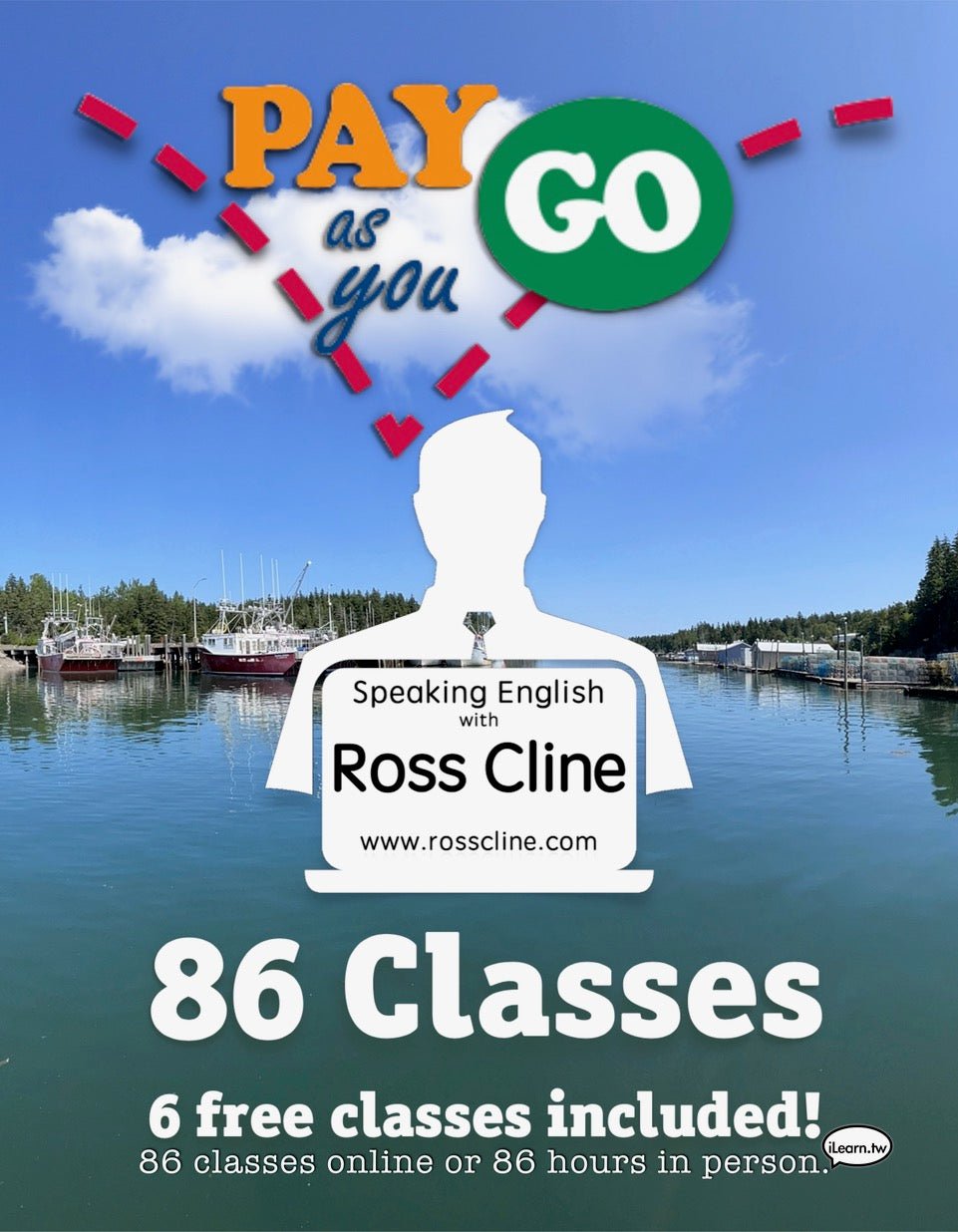
86 Hours Pay-As-You-Go!
86 Hours Pay-As-You-Go!
Regular price
QAR 2.980,00
Regular price
Sale price
QAR 2.980,00
Steps:
- Register & Pay: Choose your preferred time(s) per week from the available Pay-As-You-Go! options.
- Receive Confirmation: You will receive a confirmation email with your Time Document.
-
Join Your Class: See you in class! Check your Time Document for the most recent room joining information. This information usually remains the same, but if it ever changes, you should see the updated info in your Time Document.

- This ’Pay-As-You-Go! Time' must be used before the inactive date indicated on your Time Document.
- Cancellations require at least 5+ hours' notice, or you will be charged for the session.
- Soon after purchasing time, your Time Document will be updated by us promptly. If it isn’t updated within 40 hours, we may have made a mistake, and we kindly appreciate you keeping us on our toes
- All times are based on the Taipei, Taiwan timezone, but you can see them in your local timezone at rosscline.com/online
- Please use Email, Text, or Call (iMessage, FaceTime, or FaceTime Audio are okay too). Kindly avoid using social media or other chat platforms for calendar-related notices to avoid confusion. Failing to notify us correctly might result in your missed time claim being regarded as invalid.
- Your Online Meeting Room information and instructions on how to join are kept up to date on your Time Document. This information usually does not change, but if it ever does, checking your Time Document should help fix things swiftly.
- General English Pay-As-You-Go! Online meetings last 1 hour
- General English Pay-As-You-Go! In-Person meetings last 1.5 hours
Pay-As-You-Go! Times
Level Information:
Our levels range from Beginner I to Advanced III. Occasionally, there may be special levels such as Total Beginner or Advanced IV. All Pay-As-You-Go! students should take the Placement Test and register.
Policies:
Couldn't load pickup availability